
Monday to Wednesday
Orders roll in
Subscribers reorder on their own with one checkbox. Everyone else gets your weekly menu text.
For meal prep kitchens of every size, from your first orders to 1,000 a week.
Orders, subscriptions, how many of each meal to cook, driver routes and customer texts in one app. $9/month flat, no contract.
Build your store free. $9/mo when you go live.
Call or text (480) 725-8126, Monday to Saturday, 10 to 6 Arizona time
Running meal prep kitchens since 2023. Used by PBB Meal Prep, The Green Kitchen and Frankly Fit Meals.

“Now that I am using their platform I am saving thousands of dollars every year.”
Over $1,150,000 in orders through Prepwork since 2023
How it works
One app follows your actual week, from the first order to the last doorstep.
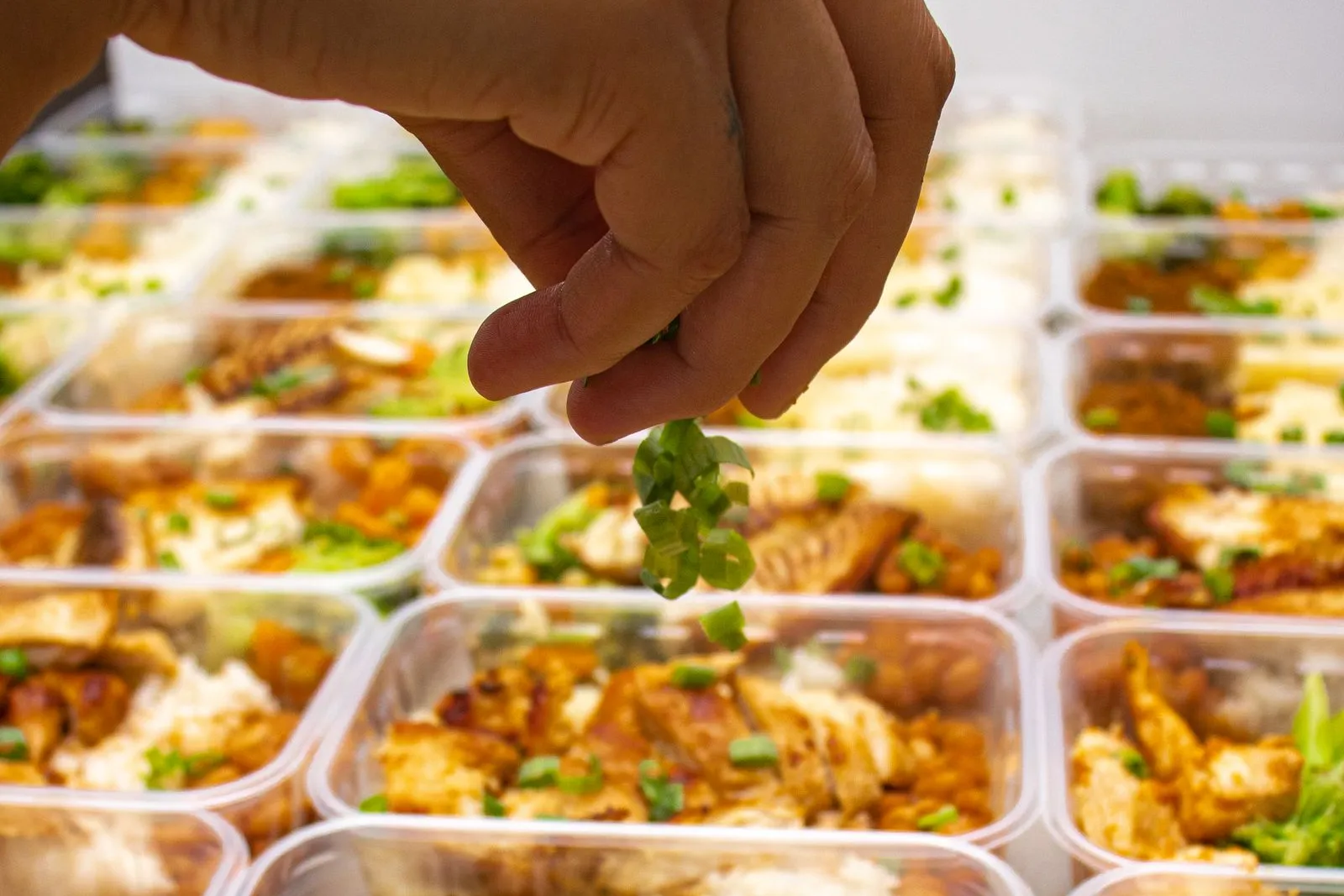
Monday to Wednesday
Subscribers reorder on their own with one checkbox. Everyone else gets your weekly menu text.
Wednesday: orders close
How many of each meal to cook, including the subscription boxes that renew.
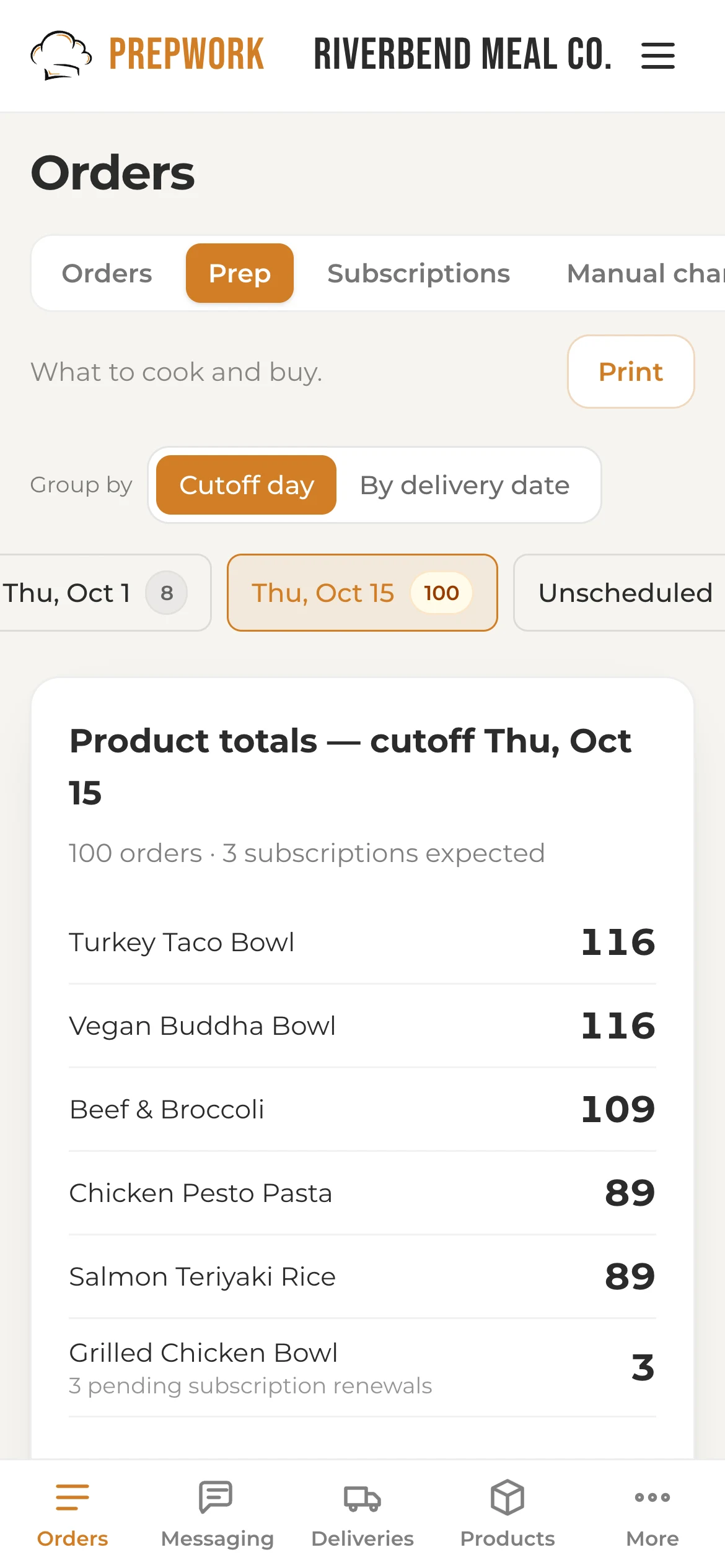
Thursday
A shopping list from your recipes, and your food cost before you preheat the oven.
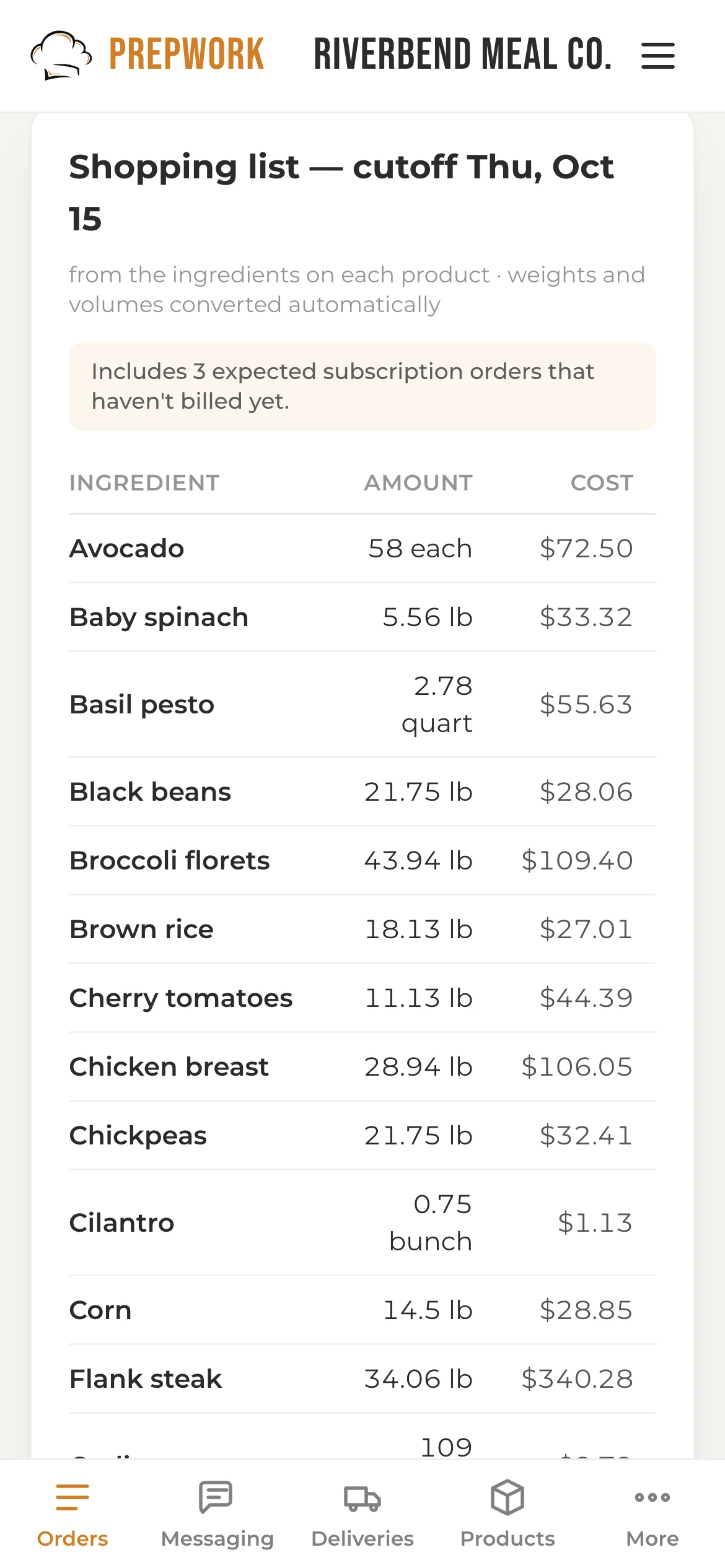
Next week
See who came back for a 2nd, 3rd and 4th order, and text the ones who didn't.
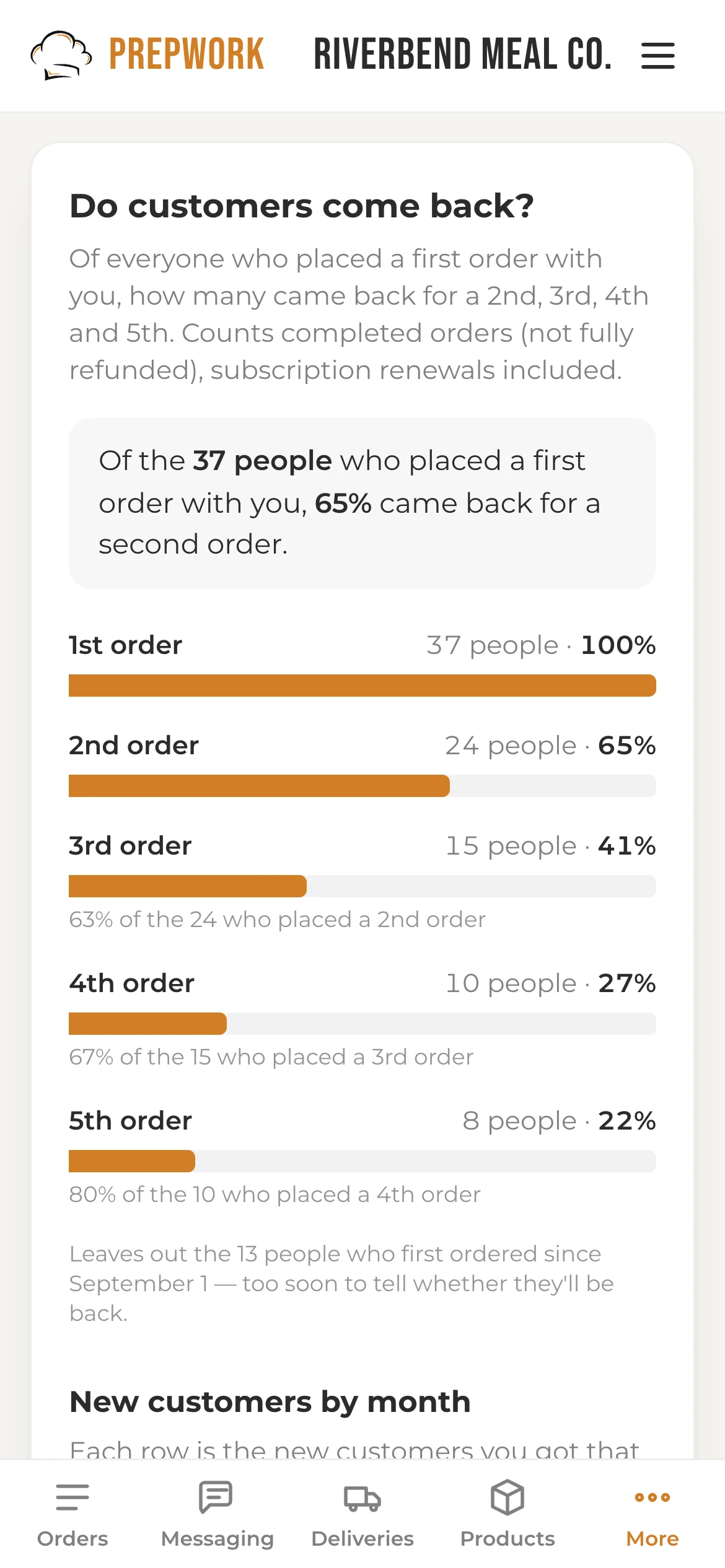
Shown: a demo store with sample data
Your cutoff and delivery days are yours to set.
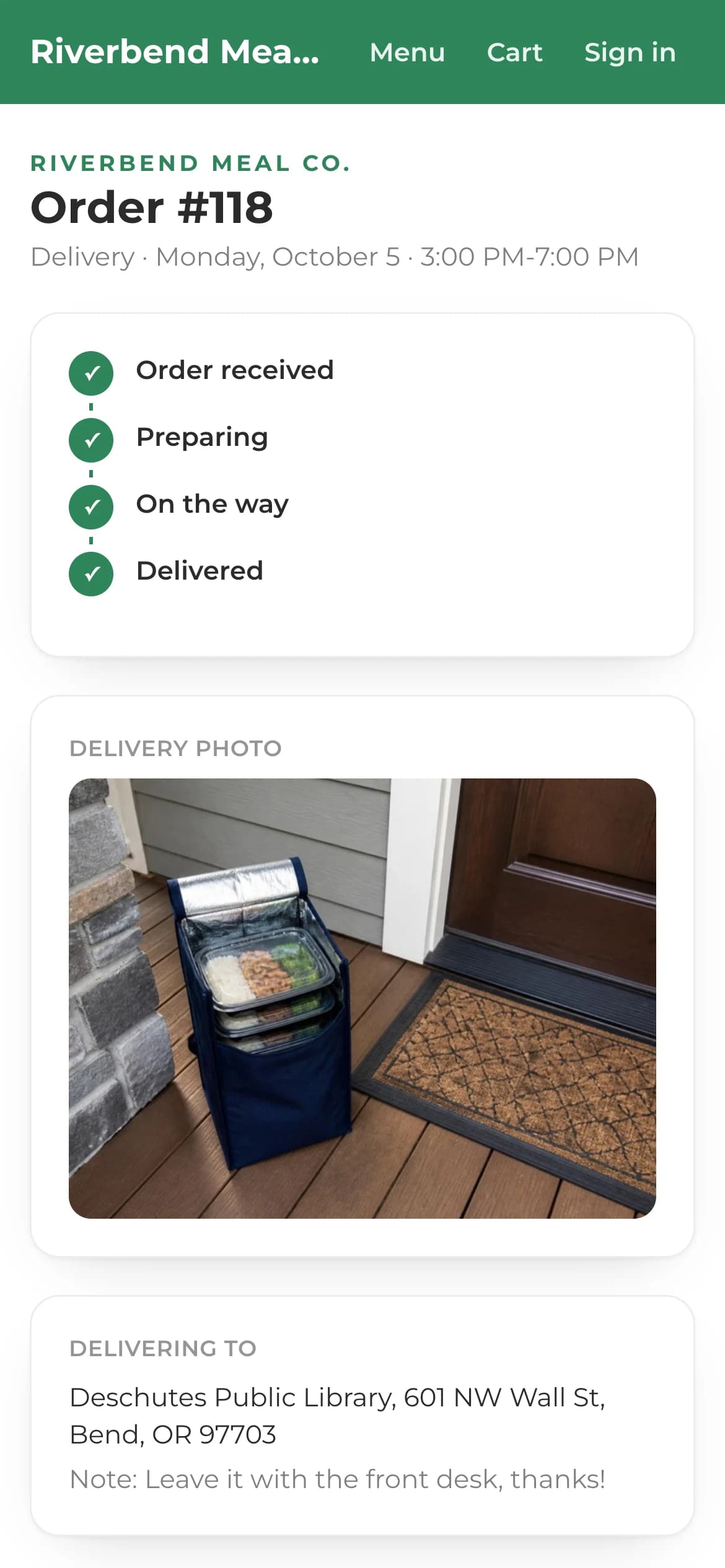
Delivery day gets its own section. See routes, driver texts and photos →
Shown: a demo store with sample data
Delivery day
Most platforms stop at a list of addresses.
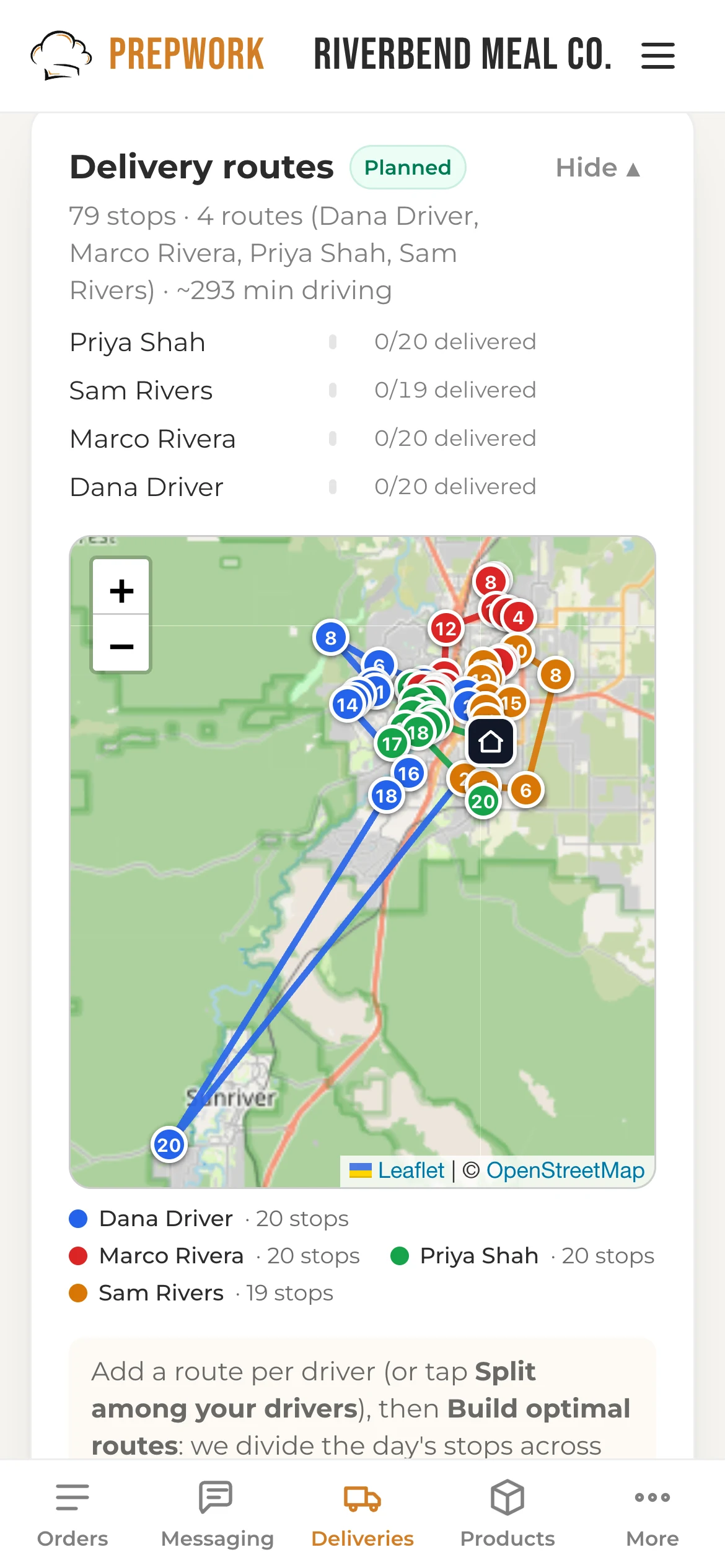
One tap plans every driver's route on real road times.
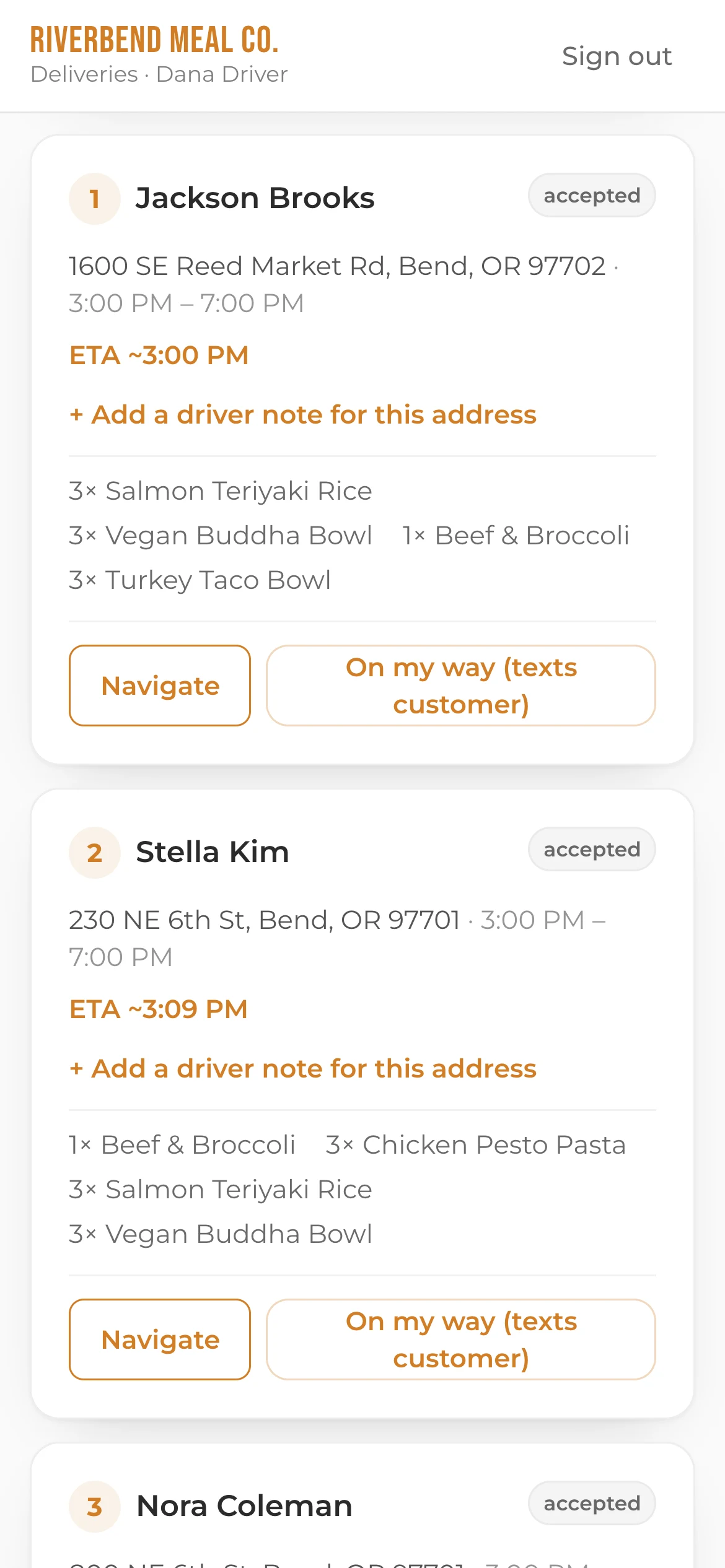
Stops in order, time windows, gate notes and one-tap navigation.
9:02 AM
2:40 PM
3:04 PM
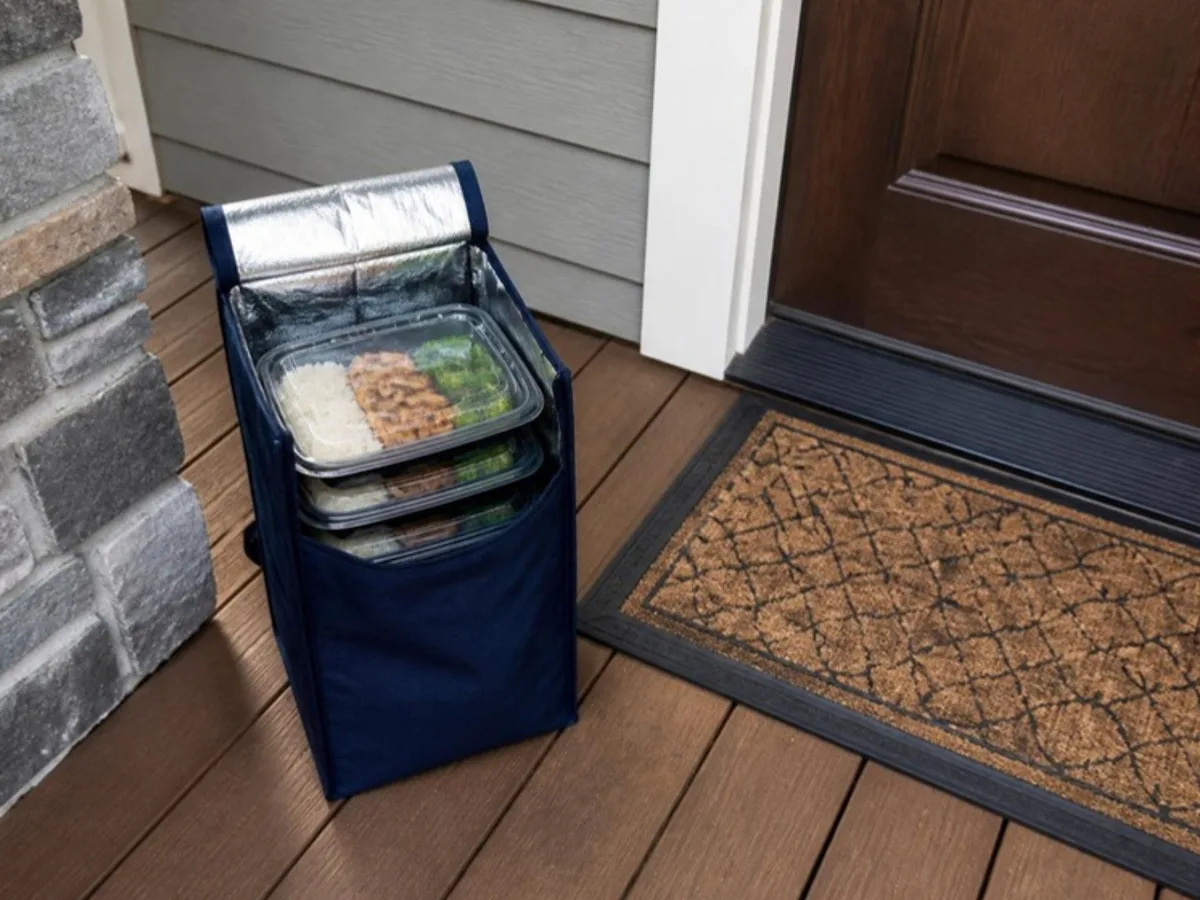
An arrival window in the morning, a live arrival time from the driver, and a photo at the door.
Shown: a demo store with sample data
Prepwork hands each driver their route, and tells each customer when to expect it.
What your customers see
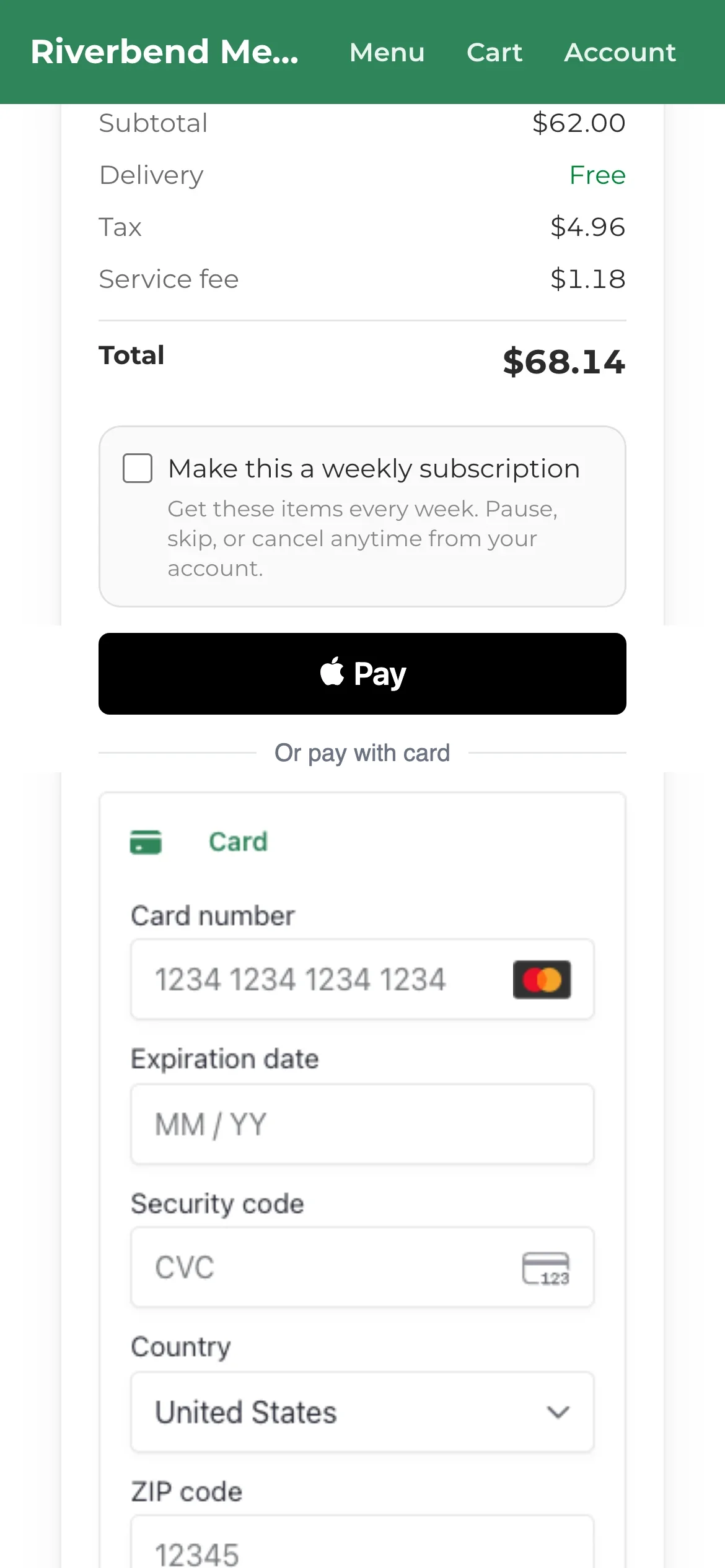
Sizes and macros on every meal, a free-delivery bar, promo codes, saved cards, Apple Pay and bank payments. One checkbox makes it weekly.
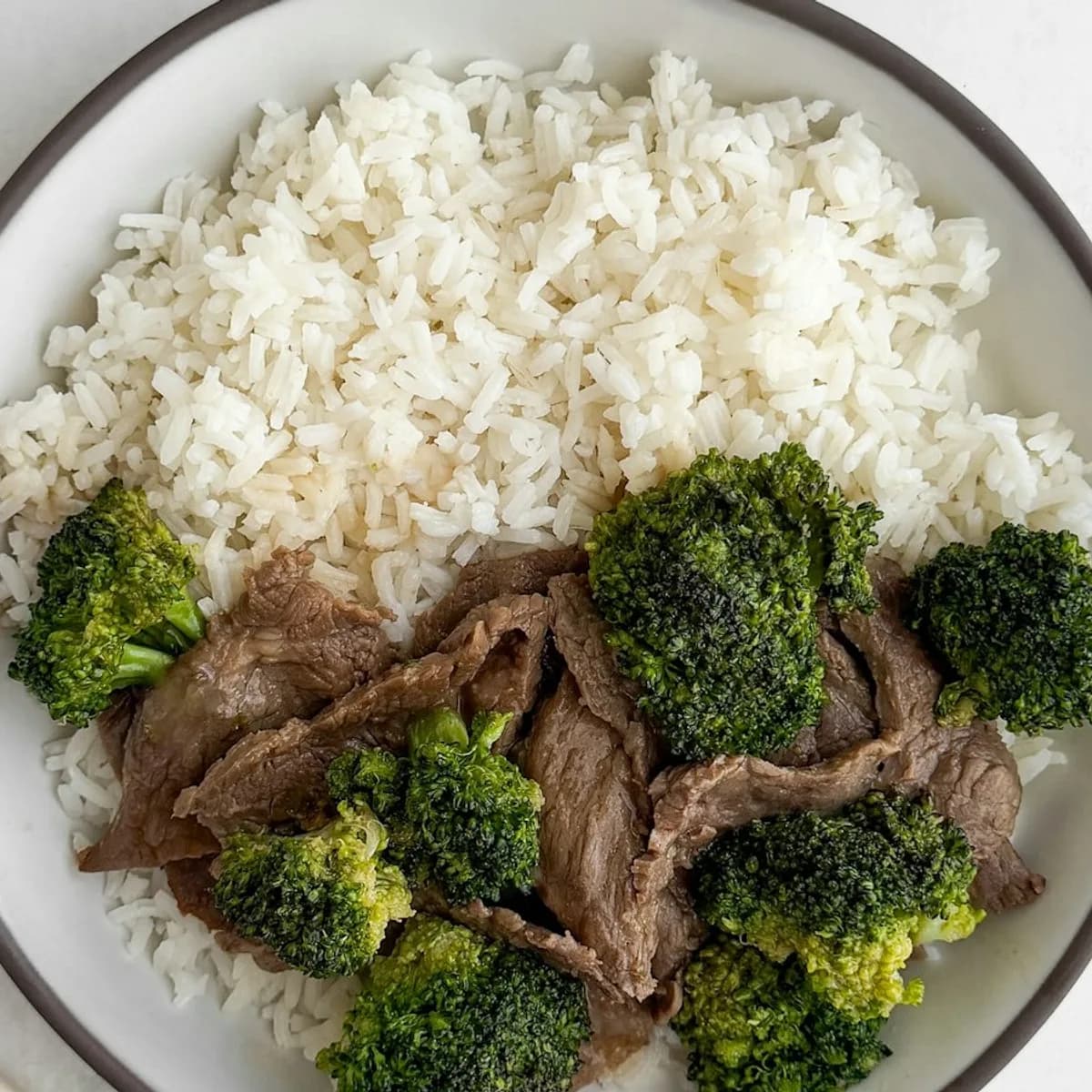
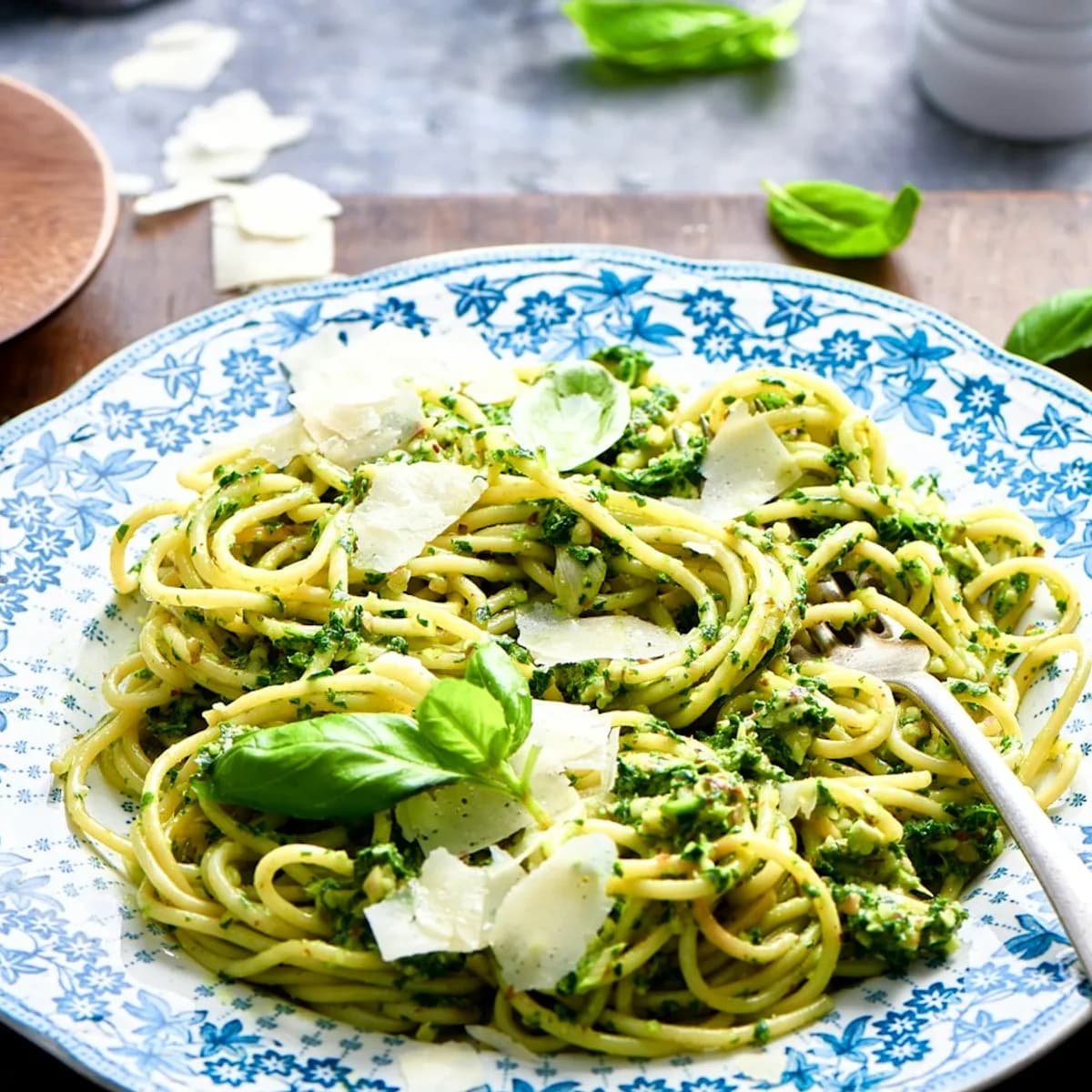
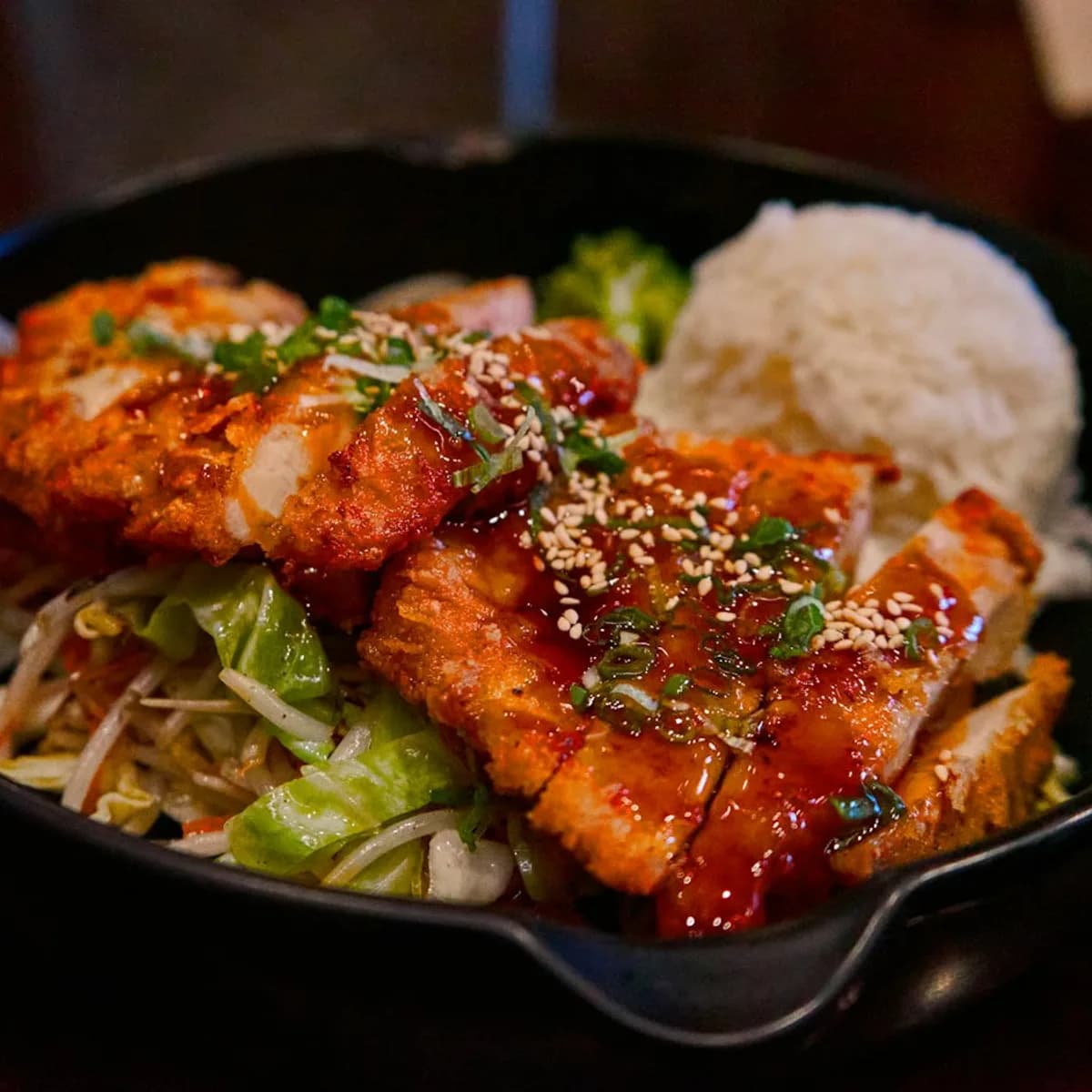
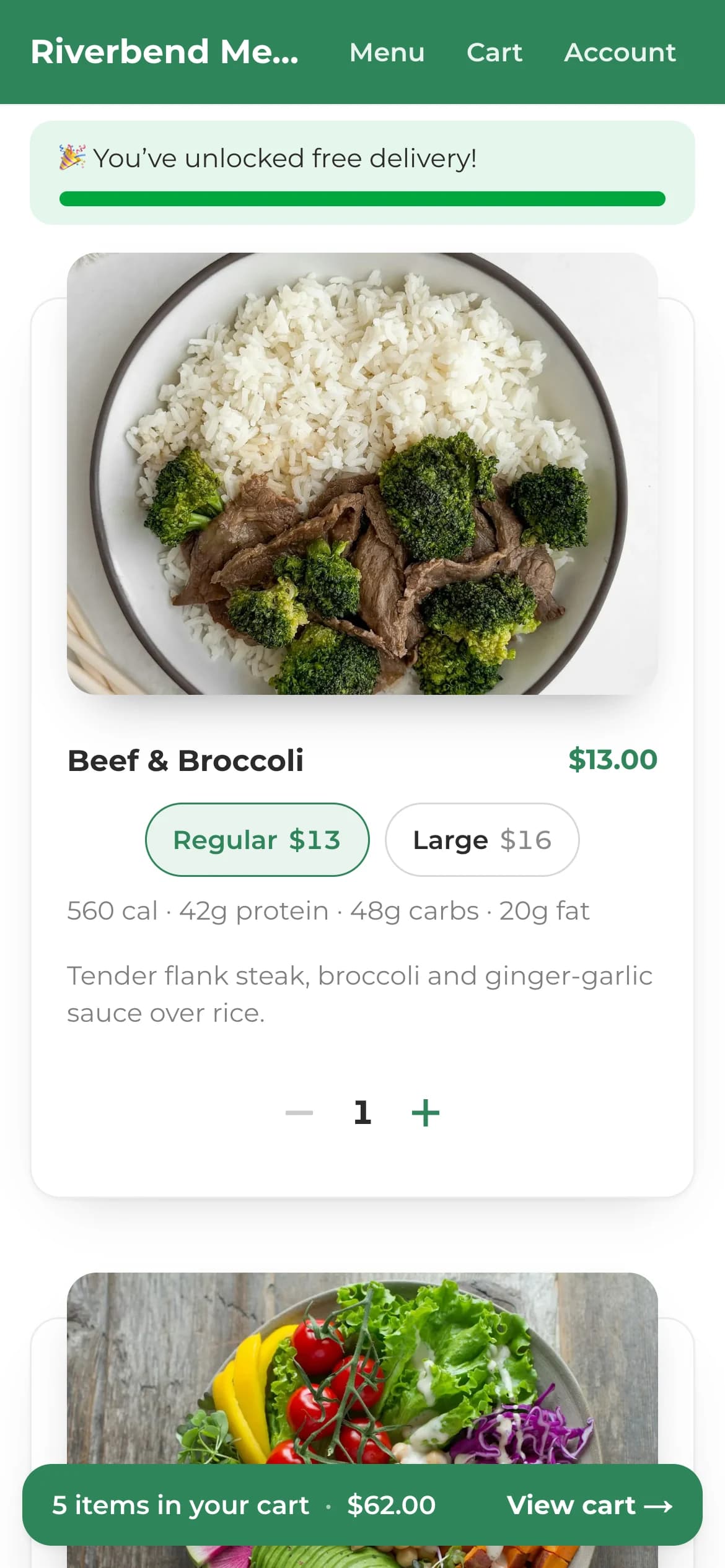
This phone runs the real demo store.
Add a meal and watch the free-delivery bar fill. Nothing to install.
Checkout
Shown: a demo store with sample data
Texting
You get your own number in your local area code. Texts come from the kitchen down the street, not a call center. Replies land in your inbox, with photos and tap-to-call. Win-back, abandoned cart, VIP and birthday texts are off until you switch them on. Every wording is yours to edit.
$0.02per text segment, sent or received, from a prepaid balance
The three delivery-day texts on this page cost about 14¢ an order. The morning window and on-my-way texts are 2 segments each. The photo text is a picture message, which counts as 3.
The cost calculator
Drag the sliders to your month. Both platforms pass their percentage fee to the customer at checkout, so it isn't in your bill.
Prepwork
$39/mo
GoPrep
$384/mo
You'd save about
$4,140
per year
That's $345 a month.
Your customers pay 1.9% at checkout with Prepwork vs 1.35% to 1.5% with GoPrep. On $7,500 of monthly sales that's about $41.25 more.
Taking orders over DMs and payment apps? You pay nothing in software, but you also get no subscriptions, receipts or texting. With Prepwork it's $9 plus texts, and the card fee is the same Stripe fee you'd pay anywhere online.
Customer stories
Owner, PBB Meal Prep@pbbmealprep
Saves thousands a year.
“Prepwork is the best! Now that I am using their platform I am saving thousands of dollars every year. I can't thank them enough. They are so easy to work with and bring so much to the table. They are constantly adding new features and making sure I have everything I need to run my business seamlessly. If you are thinking of using Prepwork I highly recommend!”

Founder, The Green Kitchen@eatgreenkitchen
Flexible and affordable.
“Prepwork was the exact right fit for my meal prep business! Easy to use as a biz owner and a consumer, it was flexible and affordable! Trevor is hands on and very responsive to any requests! Highly recommend!”
Pricing
No contract. No tiers that climb as you grow.
$9/mo
Everything included
Build your store free. $9/mo when you go live.
Your customers pay a 1.9% service fee at checkout. Stripe's standard card fee (2.9% + 30¢) is separate and paid through your own Stripe account.
Texts are $0.02 per segment, sent or received, after your free 1,000. Carriers count a segment as up to 160 characters, or 70 with emoji. A picture message counts as 3.
Switching
Photos, prices, sizes. A spreadsheet or a screenshot is fine.
Names, phones, emails and addresses, ready to text.
Share your new link. Your first cutoff runs on Prepwork.
GoPrep, Bottle, Shopify, Square or a spreadsheet: here's what moves, and how long each part takes.
Already on Prepwork? You have nothing to move. Your menu links, customers, subscriptions and texting number carry over.
Built with you
Prepwork is built alongside the kitchens that use it. Tell us what your business needs. Plenty of what's here started as a customer's request.
“Trevor is hands on and very responsive to any requests!”

I've been building Prepwork since 2023. It started as a tool for a friend's meal prep kitchen, @pbbmealprep, and grew from there. I'm in Arizona, and I answer the texts myself.
Trevor, Founder & Owner
FAQ
Building your store is free, and there's no card to start. It's $9 a month once you go live and start taking orders. Your customers pay a 1.9% service fee at checkout. Texts are $0.02 per segment, sent or received, and your first 1,000 are free. Card processing (2.9% + 30¢) is charged by Stripe, like any online store.
No. Pay month to month and cancel whenever you like. You can export your customers and orders to a spreadsheet at any time.
You connect your own Stripe account and customer payments go straight into it. Stripe pays out to your bank on its normal schedule. Prepwork never holds your money.
Yes. Whatever you use now, send it over: a GoPrep or Bottle export, a Shopify or Square customer list, a spreadsheet, Google Forms or Instagram DMs. We import your customers and set up your menu with you.
If you already take cards through Stripe, connect that account and your customers' saved cards come with it. We import your customers and text them one link. Subscriptions themselves can't move between platforms, so each subscriber ticks the weekly box once at their first checkout. You see who hasn't yet. Already on Prepwork? Your subscriptions carry over untouched.
Yes. Call or text (480) 725-8126, Monday to Saturday, 10 to 6 Arizona time. Every new kitchen gets a free setup call with a person.
Usually, yes. We can port your current number to Prepwork, which takes two to four weeks with the carriers. Or we set you up with a new local number in days, and you can port later. Either way, your texts come from your own business number.
Yes. Bank payments cost 0.8%, capped at $5, instead of the 2.9% card fee; you switch it on in Business settings.
Yes. Customers tick one box at checkout to get the same order every week. They can skip, pause or cancel from their account. Renewals are counted in how many of each meal to cook, before cutoff.
Yes, you choose. Deliver to the ZIP codes you serve, offer pickup at one or more spots, or both. Each has its own days, times and cutoff. If you deliver, one tap builds every driver's route and each driver gets their own login.
Yes. The driver app runs in the browser on any phone, with nothing to install. Each driver signs in and sees only their stops, in order, with one-tap navigation.
No. They order from your branded online menu on any phone or computer. Add the Prepwork owner app to your own phone's home screen. You'll manage orders there and get a notification the moment one comes in.
Your store lives at your-name.prepwork.io, ready the moment you sign up. Want your own domain? Ask us.
Often, yes. Text us what your kitchen needs. Plenty of what's in Prepwork today started as a customer's request. We can't promise every request or a date, but you'll hear back from the person who builds it.
Sign up and create your store in a couple of minutes. A guided tour walks you through adding your first meal, setting a delivery date and connecting Stripe. We're also happy to do a free setup call with you.
Book a demo


Tay or Trevor will walk you through your store, delivery day and texting, and answer anything about switching.
Taking a moment? Text Trevor at (480) 725-8126